

Security
Secure by design, from the sensor to the cloud
Sensors read your machines from the outside and never touch their controls. Every reading is encrypted on its way to the cloud, and every person sees only the machines you give them.
Operational technology
Reads your machines. Never touches their controls.
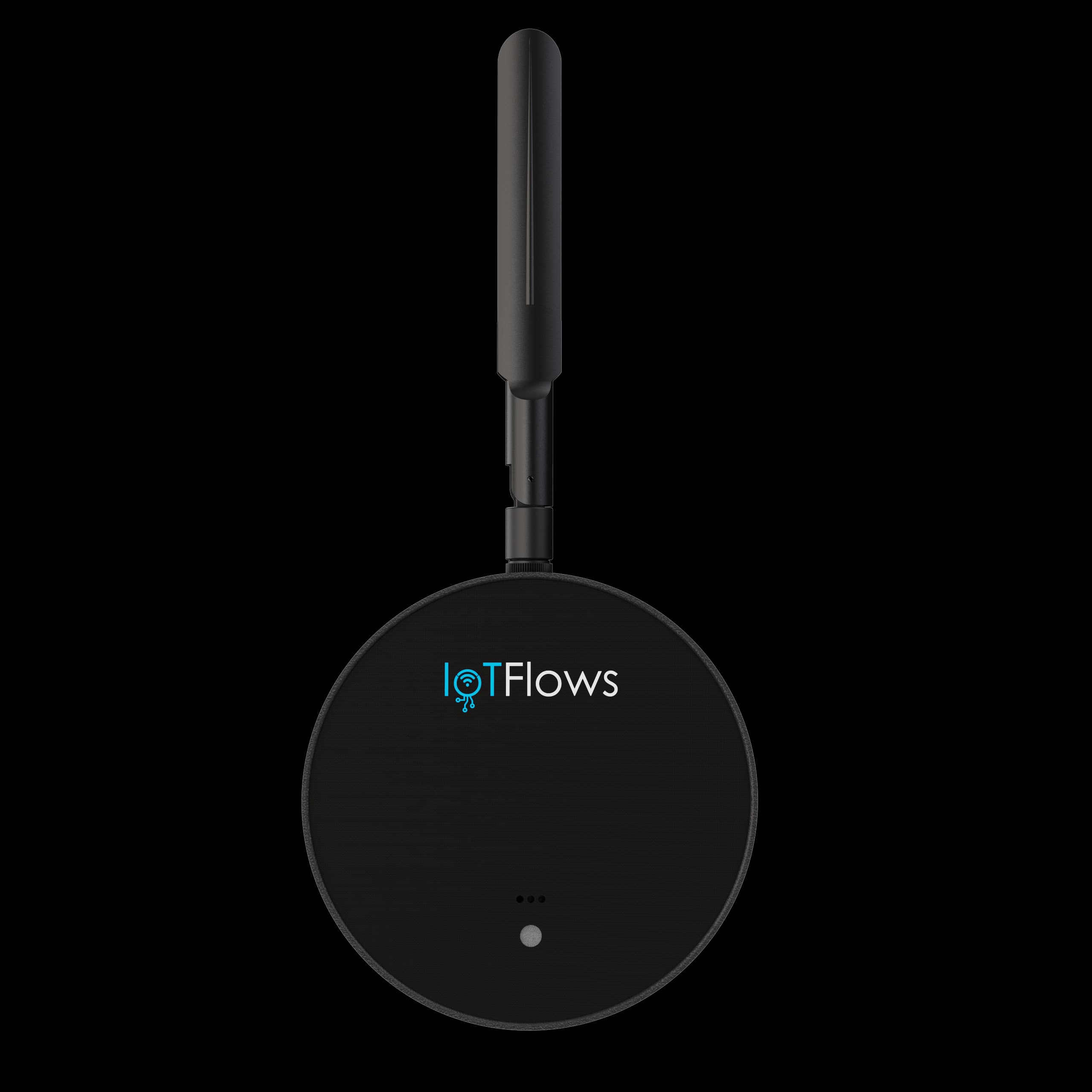
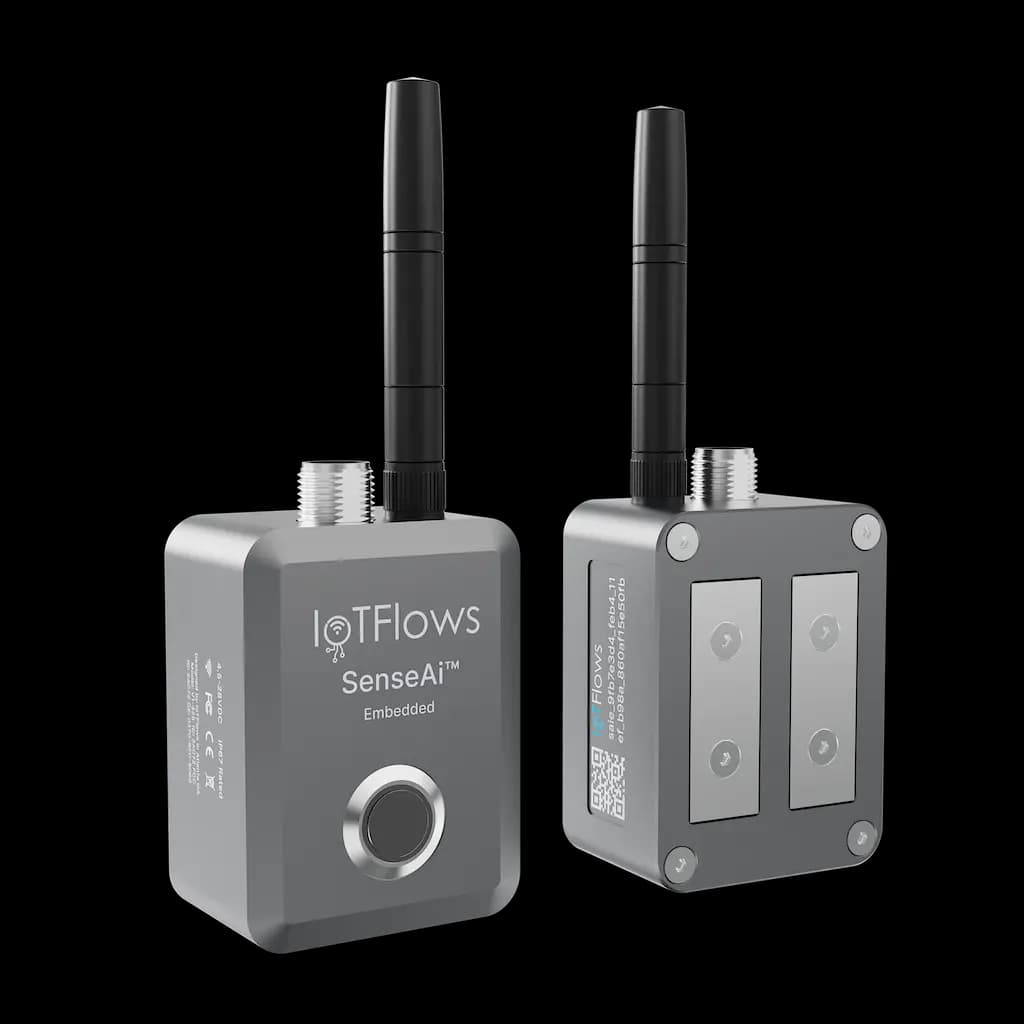
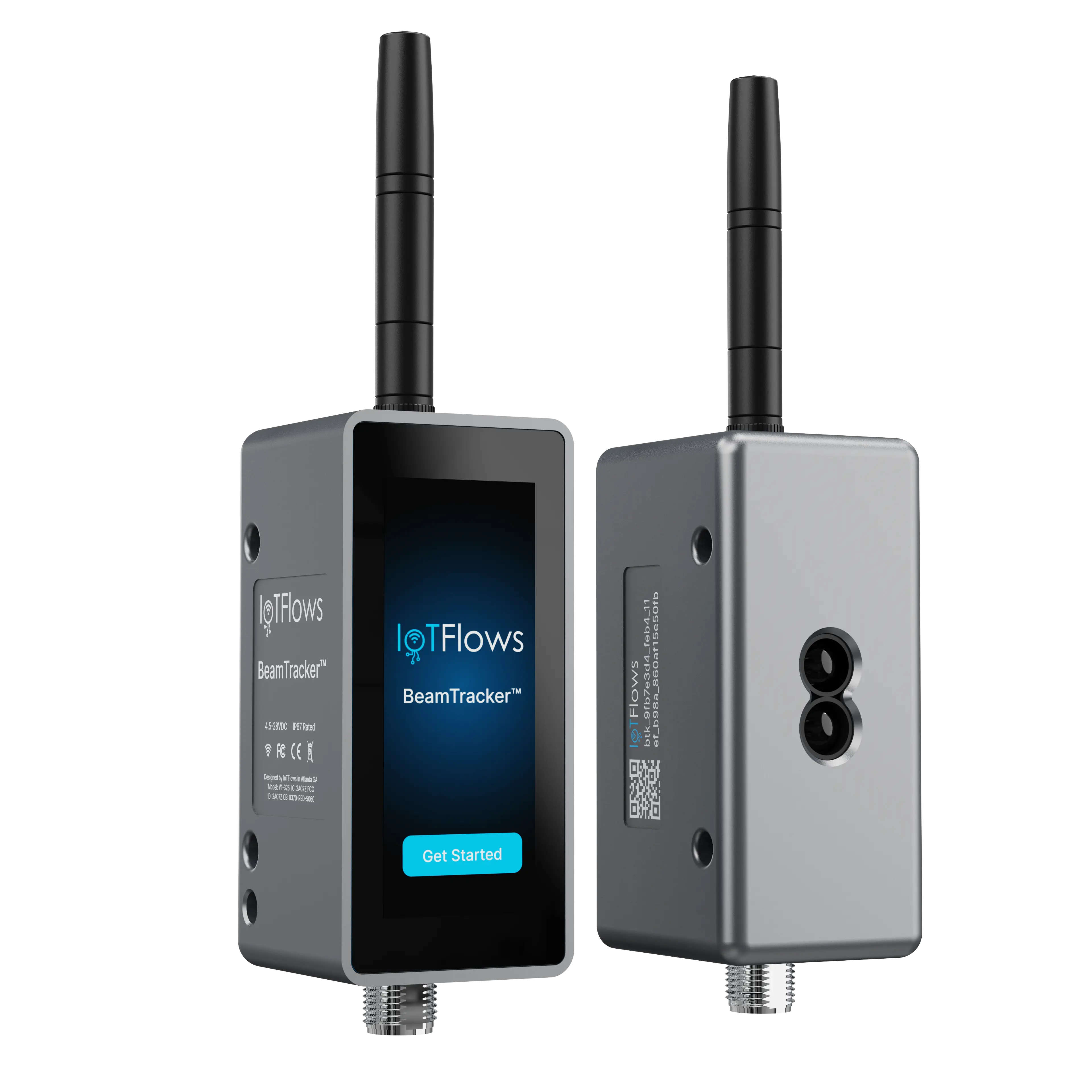
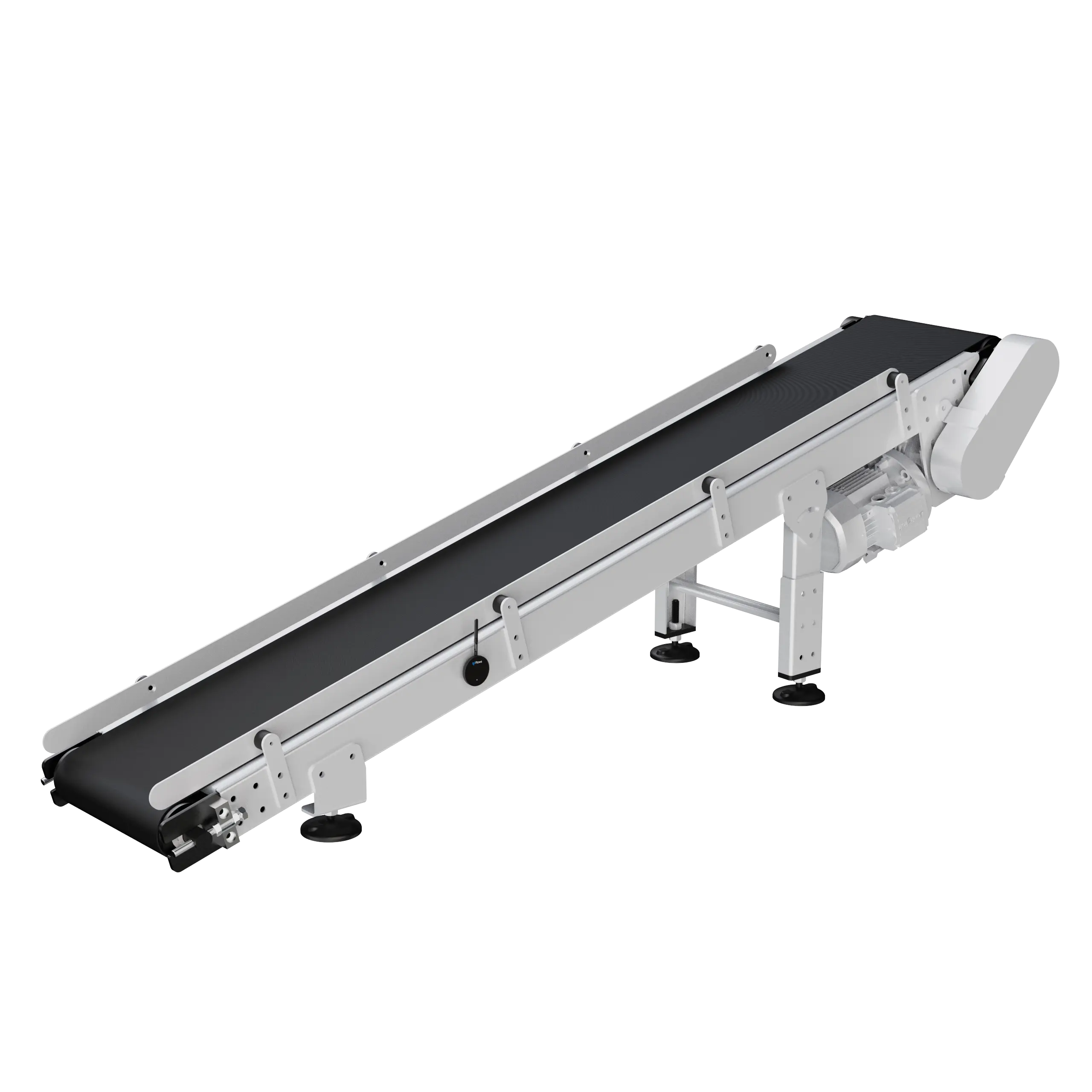
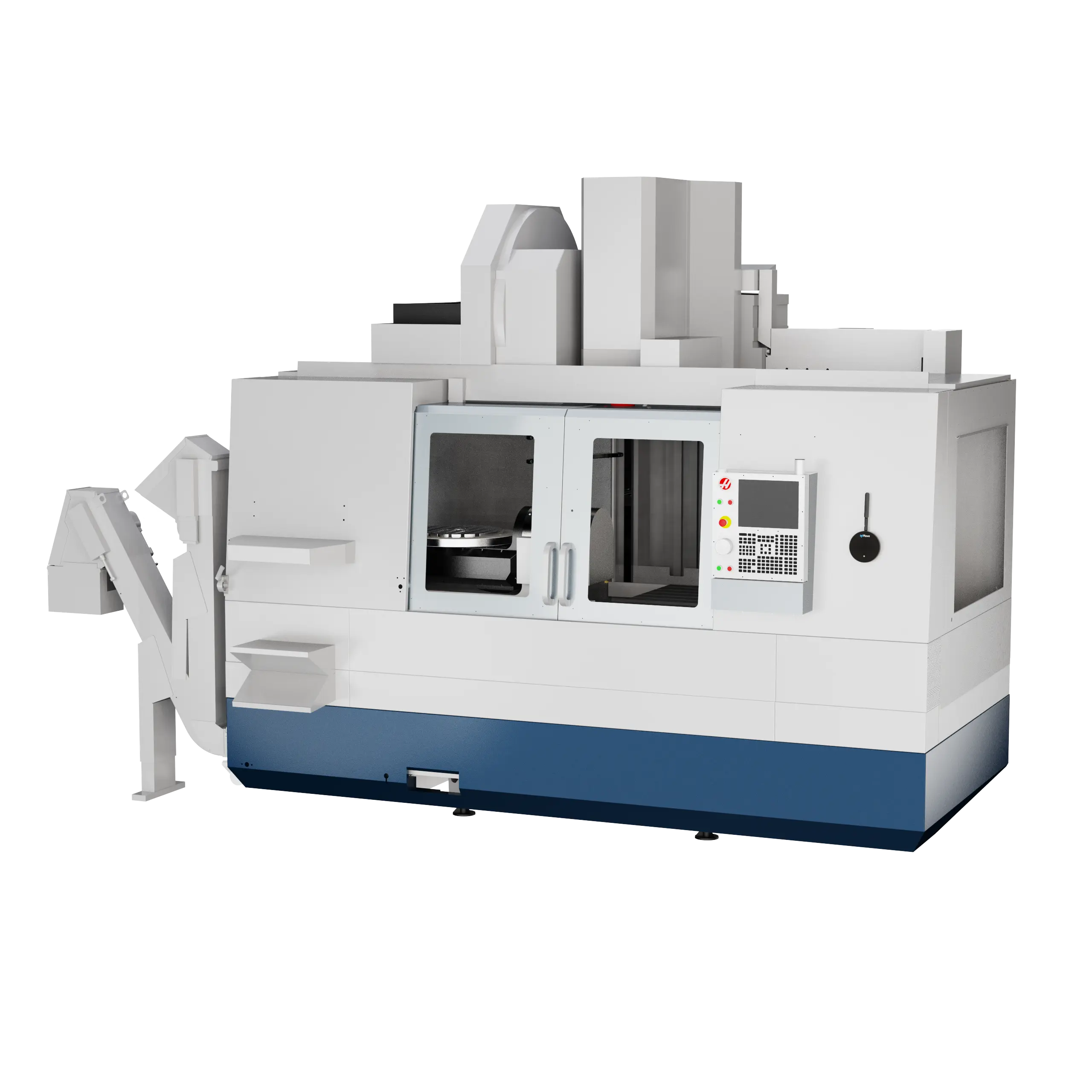
A sensor reads a machine from the outside, with no connection to the PLC or controller, so it can’t change how the machine runs. Its readings and what your team enters are all that travel, encrypted on the way and where they are stored. Controller data joins only through a custom integration you ask for.
What travels
Running or stopped, vibration and part counts from the sensors, and what your team enters: asset names, downtime reasons, notes, work orders and parts.
What stays in the plant
Your PLC and controller, and the programs and recipes on them. No sensor connects to them, so none can change how a machine runs.
Network security
One outbound port. Or off your network entirely.
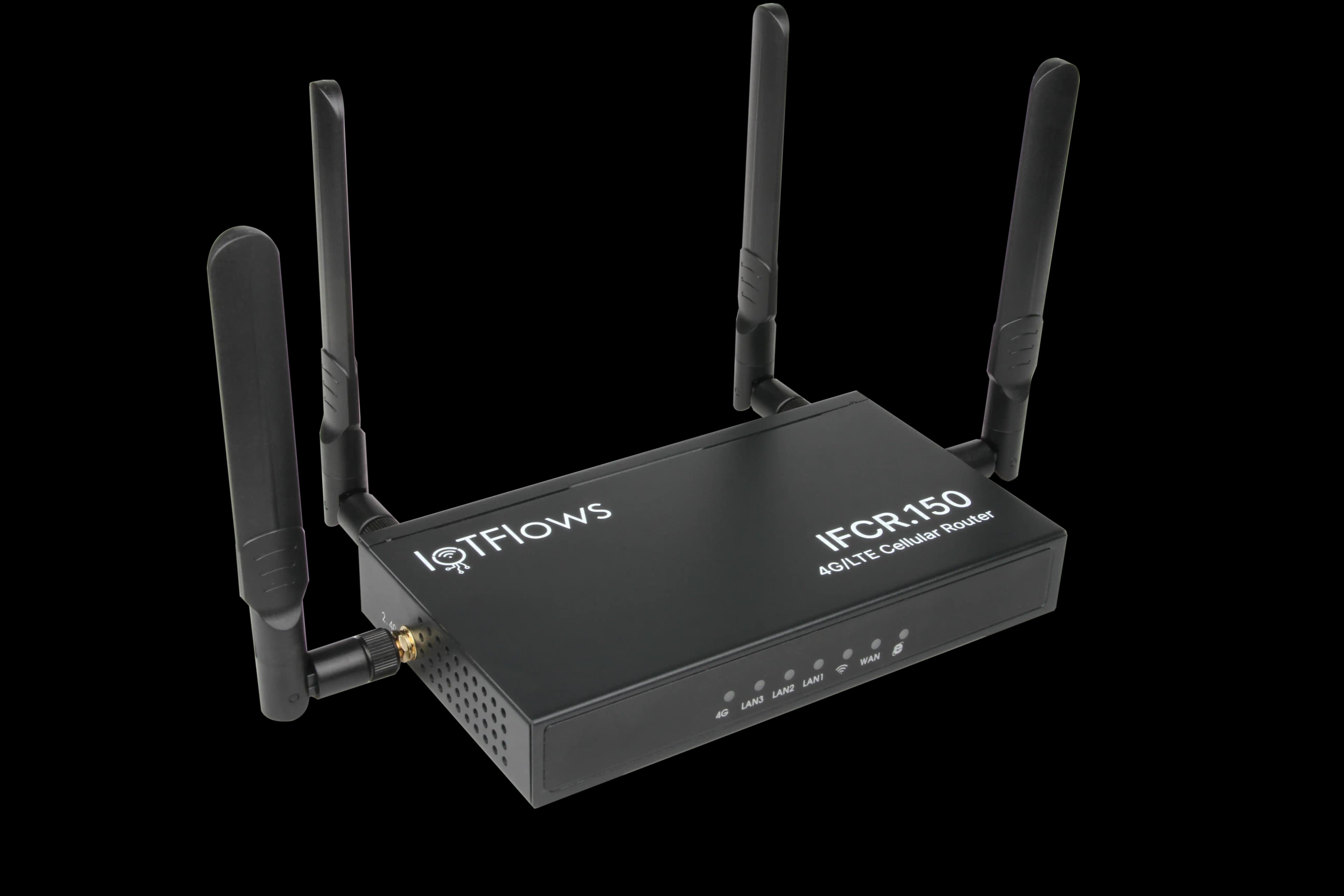
Every device opens its own encrypted connection to the IoTFlows cloud over HTTPS and MQTTS. On plant Wi-Fi that is one outbound port, 443. On the IoTFlows 4G/LTE router, the devices are segmented from your plant network and reach the cloud over cellular.
On plant Wi-Fi
A device needs 2.4 GHz access and outbound HTTPS and MQTTS on port 443 to the IoTFlows cloud.
On the IoTFlows 4G/LTE router
The devices join the router’s own network and reach the cloud over cellular. Your network team sets up nothing.
Signed firmware, kept current
IoTFlows signs every firmware update and pushes it to the devices over the air. Each device shows its version in Devices.
Access control
Role-based access. Down to each machine.
Four roles decide what a person can do: Owner, Administrator, Member and Observer. A machine access list decides where, everywhere in IoTFlows. Maintain and the Production Scheduler add their own owner and member roles on top.
No self-signup: every account is invited into your organization.
Owner
Everything, billing included.
Administrator
Everything except billing: machines, members and access.
Member
Day-to-day work: downtime and work orders.
Observer
Views machines, reports and dashboards.
Identity
Multi-factor authentication. Available on every account.
Multi-factor authentication (MFA) puts a six-digit code from an authenticator app between a password and the account, and one enrollment covers every organization you belong to.
On Enterprise, SAML single sign-on (SSO) hands sign-in to your company’s identity provider.
Audit logging
Every change on record. Who, when, before and after.
The audit log keeps one row per change: who made it, when, and the record before and after. Filter it by person, date or any identifier.
Data ownership
Your data stays yours. Export it, or have it deleted.
You own what your machines record. Take it with you through seven CSV and PDF reports or the REST API, or ask us to delete it. No customer data is used to train AI. Compare the plans.
- 2 years
- retained on Pro
- 5 years
- retained on Enterprise
- Never
- used to train AI
- On request
- deletion of your data
Questions people ask
Sensors that read machines from the outside, with no connection to the PLC or controller; encryption at the edge, in transit over TLS (HTTPS and MQTTS on port 443) and at rest in the IoTFlows cloud on AWS and Google Cloud; the IoTFlows 4G/LTE router to keep every device behind it off the plant network; signed firmware updates; four organization roles (Owner, Administrator, Member and Observer), with billing open only to Owners; per-member machine access lists; multi-factor authentication (MFA) with an authenticator app on every account, and SAML single sign-on (SSO) on Enterprise; an organization audit log with who changed what, when, and the record before and after; data retention of 2 years on Pro and 5 years on Enterprise, with CSV and PDF exports, a REST API and deletion on request. No customer data is used to train AI. There is no self-signup: every account is invited into its organization.
Yes. Data is encrypted at every step: from the device at the edge, in transit over TLS with SHA-256 certificates, and at rest in the IoTFlows cloud. The 4G/LTE router can keep devices off the plant network entirely. Access is by organization, role and machine list, with multi-factor authentication on every account and an audit log of every change.
On plant Wi-Fi a device needs 2.4 GHz access and outbound HTTPS and MQTTS on port 443 to the IoTFlows cloud. With the IoTFlows 4G/LTE router it needs nothing from the plant network: the devices join the router’s own network and reach the cloud over cellular.
Yes, at every step: on the device at the edge, in transit over HTTPS and MQTTS (TLS with SHA-256 certificates), and at rest in the IoTFlows cloud.
In the IoTFlows cloud on Amazon Web Services (AWS) and Google Cloud, encrypted at rest.
No. A sensor reads a machine from the outside: running or stopped, vibration and part counts. It has no connection to the PLC or controller, so it cannot change how a machine runs, and programs and recipes stay on the machine.
Yes. IoTFlows signs every firmware update and pushes it to the devices over the air, and each device shows its firmware version in Devices.
No. No customer data is used to train AI models.
Yes. Machine access is a per-member list of allowed machines, set by Owners and Administrators from the member directory; an empty list means all machines. The list applies everywhere: the Assets page, reports and the machine pickers. Roles decide what a person can change, and Maintain and the Production Scheduler add their own owner and member roles on top.
Yes, on Enterprise: SAML single sign-on (SSO) redirects an email address to your company’s identity provider instead of asking for a password, on the web and in the mobile apps. Multi-factor authentication (MFA) with an authenticator app is available on every account.
Yes. The organization audit log holds one row per change, with who made it, when, and the record before and after, filtered by user, date and any identifier. Owners and Administrators open it at /logs, and each work order carries its own history.
Yes. Seven reports export to CSV or PDF, each carrying the filters on screen, and the REST API with an IoTFlows-issued key reads the same records. Retention is 2 years on Pro and 5 years on Enterprise.
Yes. Ask IoTFlows and your organization’s data is deleted.
Documentation
Want the detail? These guides walk through each feature step by step.
- How sensors, the cloud and the dashboard fit togetherWhat each layer decides and what leaves the plant.
- Roles and permissionsThe four roles and what each can do.
- Limit which machines a member can seePer-member machine access.
- Turn on multi-factor authenticationAn authenticator app on your account.
- Review the organization audit logOne row per change.
- Sign in to IoTFlowsEmail-first sign-in, identity providers, two-step codes.
- Available exportsEvery export and its columns.
- Connect a device to Wi-Fi2.4 GHz and outbound port 443.
Security review