


Maintain
Maintenance work orders that start from the machine
Your machines already tell you when they need attention. Maintain turns a stop, a health alert or a meter at its limit into a work order your team can plan, work and sign off from any screen.
Origins
Five ways in. One backlog.
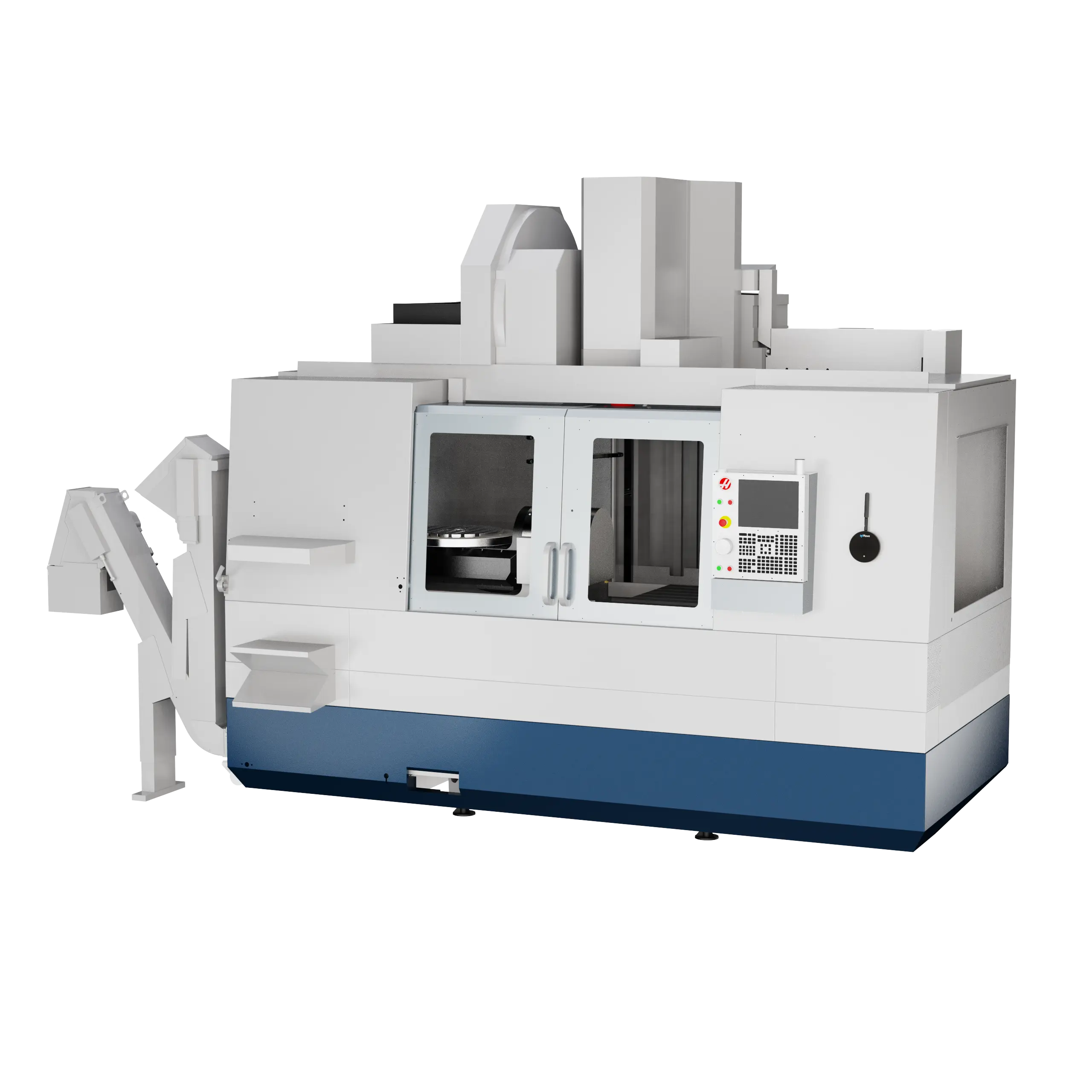
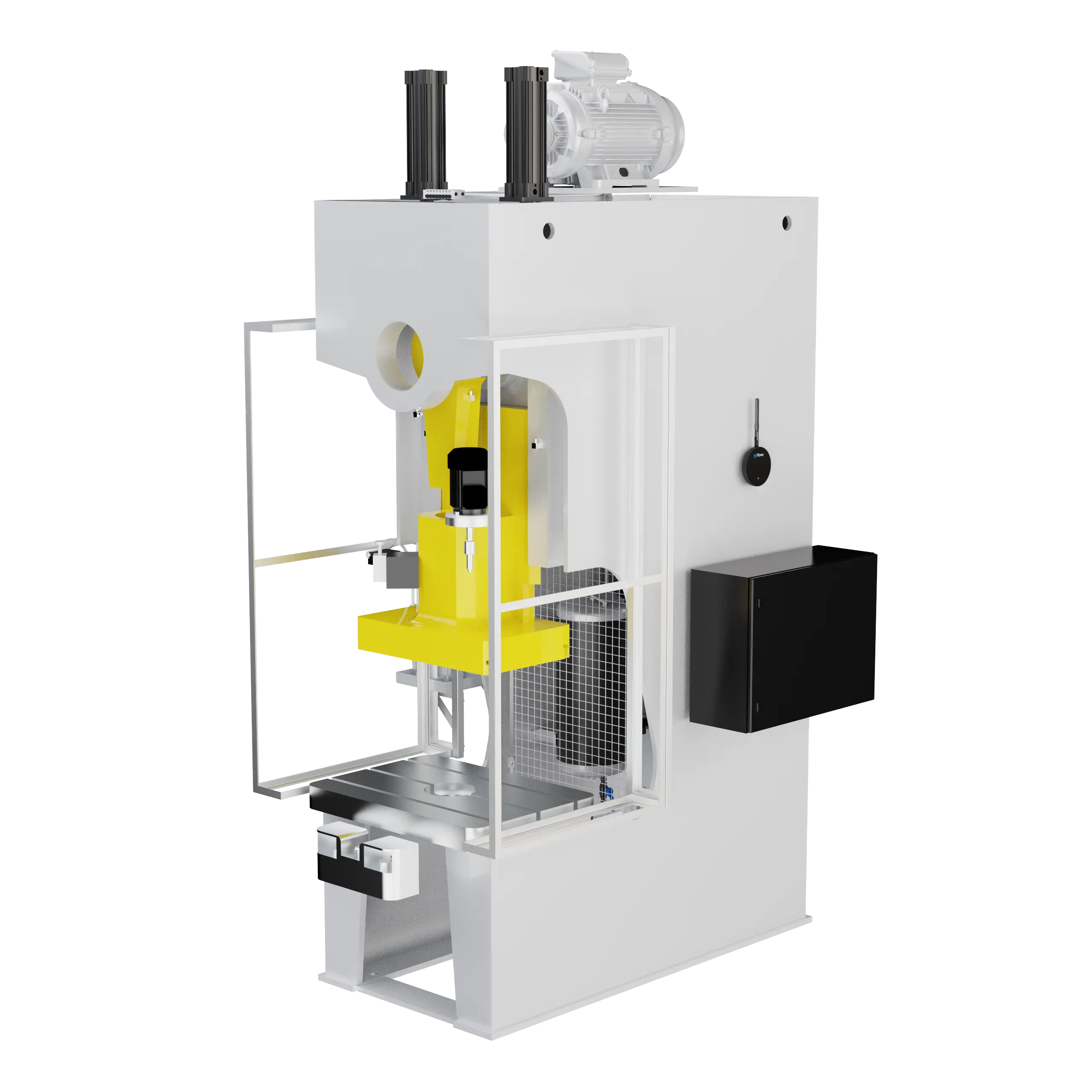
Most maintenance starts with something a machine already told you. Classify a stop, let an event rule or a meter open the work order, or file a request from the floor. Every route lands in the same backlog, with the machine attached.
It runs on the machines you already watch in machine monitoring. How Maintain works.
From a downtime
Classify a stop and open the work order in the same step, with the machine already filled in.
From a machine event
Switch on Work Order for a health, shock or temperature alert, and it opens one every time it fires.
From a meter
Runtime hours or parts reach the trigger point, and the work order opens itself.
From the floor
Operators file a request from the job runner or their phone, with a photo of the problem.
From the planner
A title and a group are all it takes. Add parts, people and a due date as you go.
Views
One backlog for the whole team. Four ways to see it.
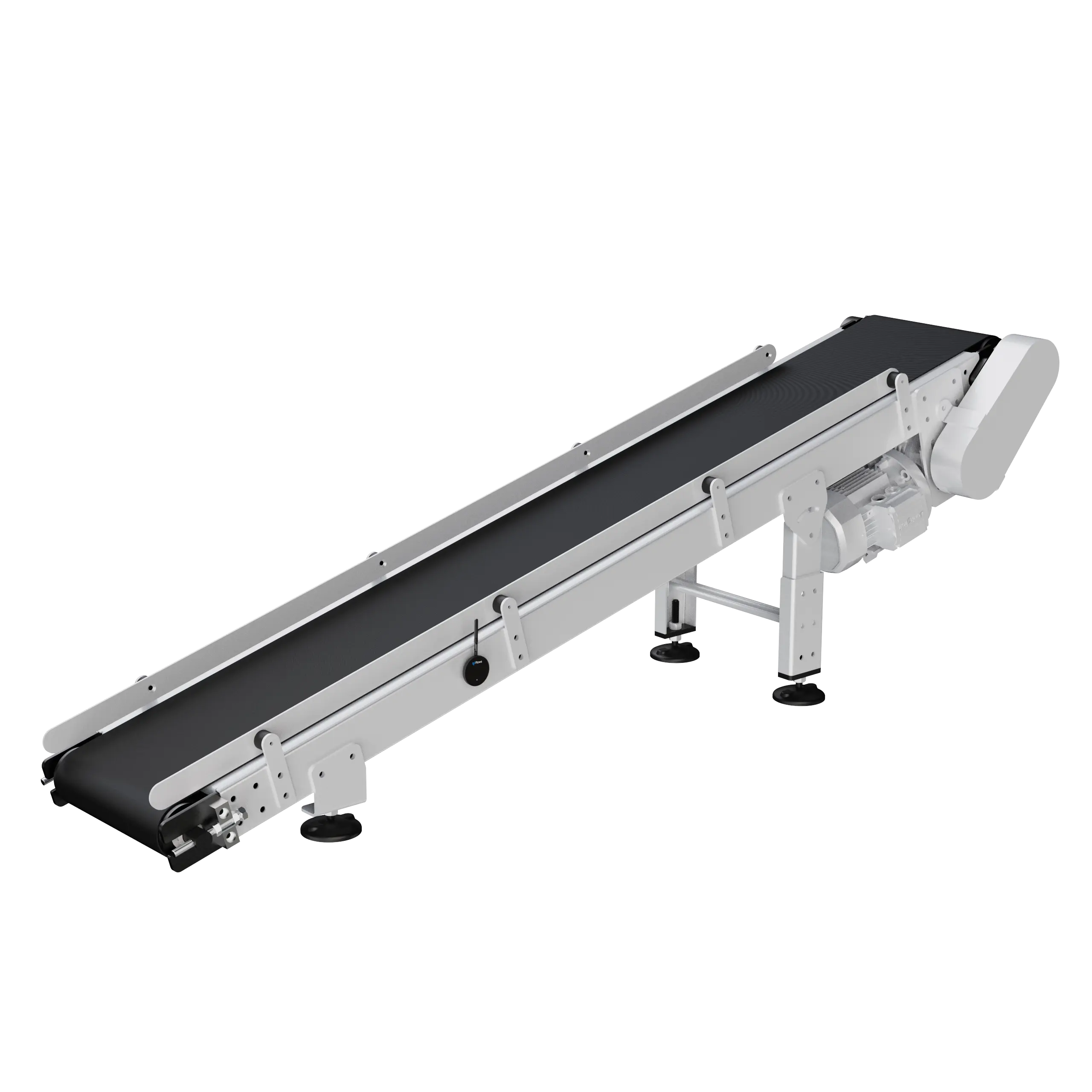
See the work as a list, a table, a Kanban or a calendar, grouped by machine, by group or by person. Drag a job to whoever has room, or switch to My Work and see only your own.
Planners, technicians and supervisors all read the same work orders. Organize the work.
Work orders
Everything the job needs. On the work order.
Status, checklist, photos, files and the conversation live on the work order itself, and every change is logged. A technician takes it from Open to Done; a supervisor signs it off as Approved.
Preventive maintenance
PMs that schedule themselves.
Put a recurrence on any work order: every Monday, monthly on the 5th, every six months. When one closes, the next one is created with the same checklist and parts.
Meters
Service on the hours it ran. Not the calendar.
A meter counts a machine’s runtime hours or parts straight from the sensor. Your team gets an email at 85%, the work order opens at 100%, and a reset after the service starts the next cycle.
Grease a spindle every 2,000 hours or inspect a slide knife every 100,000 bottles, when the machine has earned it. How meters work.
Inventory
Parts come off the shelf when the job closes.
Raise a work order and the parts it needs are reserved. Complete it and the stock comes off the shelf, the ledger records every movement, and anything at its reorder point shows up on Low Stock.
Mobile
The work order in every technician’s pocket.
The IoTFlows app on iOS and Android pushes new work orders and comments to the people on them. Start the job, tick the checklist and attach a photo without walking back to a screen.
Customer story
RNPSA halved its maintenance response time
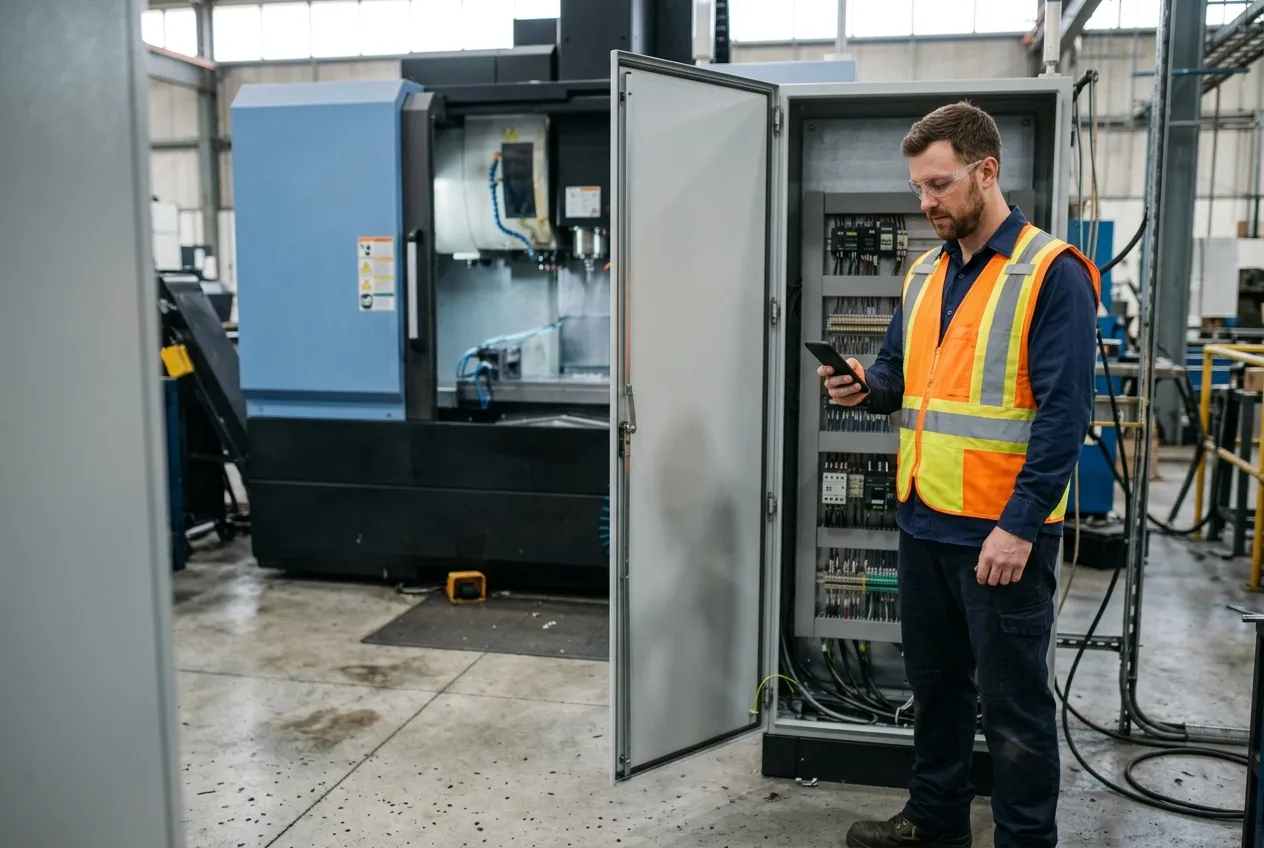
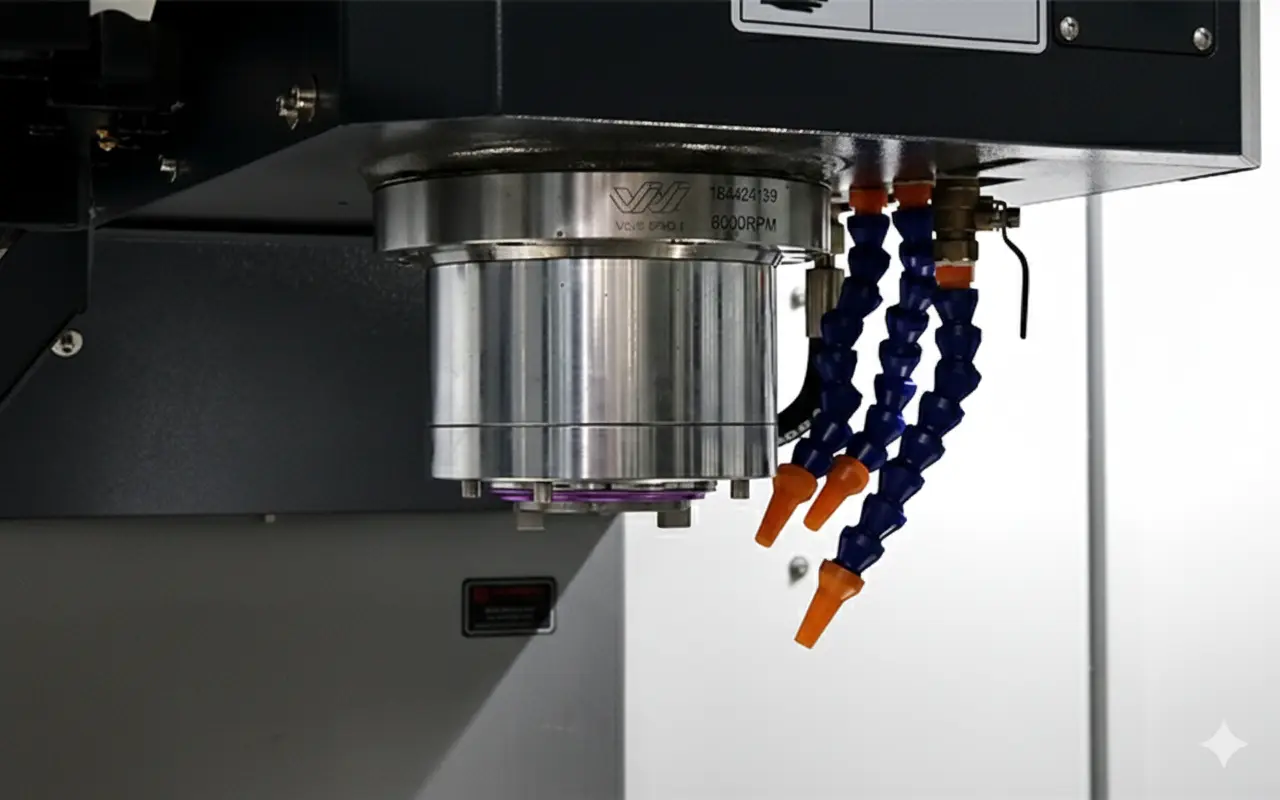
RNPSA builds mining equipment in Matehuala, Mexico, on a fleet of critical precision machines. Today a problem on any of them reaches maintenance the moment an operator classifies the stop.
- 50%
- faster maintenance response
- Zero
- tool crashes that go unnoticed
- 100%
- of incidents on record
Challenge
A tool crash could go unnoticed until the next shift or the next inspection. When an operator did spot a problem, it passed from the shift supervisor to a note to the next shift before maintenance heard about it.
Solution
SenseAi watches every critical machine and records each shock. When an operator classifies a stop, they open the work order in the same step, and maintenance sees it at once with the machine, the time and the vibration data attached.
Products
SenseAi and Maintain.
“Add in Maintain, and suddenly operations and maintenance aren’t working in silos, we’re collaborating on the same data in real-time. That’s transformed how we manage these critical machines.”
Altium Packaging inspects the Slide Knife on its bottling lines every 100,000 bottles, with the work order opened by the count. Read the Altium Packaging story.
Questions people ask
One backlog of maintenance work orders per organization, in List, Table, Kanban and Calendar views, grouped by machine, group or person. Work orders open from five places: created by hand, from a classified downtime, from a machine event rule, from a meter at its trigger point, or as a request from the job runner or a phone. Each one moves through Open, In Progress, On Hold, Done and Approved, and carries a checklist, images, files, a comment thread and its own activity log. Preventive maintenance is a recurrence rule on a work order. Meters count runtime hours or parts toward a trigger point, with an email at 85% and a work order at 100%. Required and created parts are reserved when the order is raised and moved in Inventory when it is set to Done. Work orders export to CSV in 15 columns, and Maintain runs natively on iOS and Android with push notifications.
Yes. Maintain is the IoTFlows CMMS: one backlog of work orders per organization in list, table, Kanban and calendar views, work orders with five statuses, checklists, files, comments and an activity log, preventive recurrence, meters, parts from Inventory, and native iOS and Android apps for technicians.
Yes. The Classify Downtime dialog carries a Create Maintenance Workorder button, so a stop caused by a fault becomes a work order with the machine filled in and the downtime category as its title.
Yes. Switch on the Work Order column of a machine’s event rule, such as a health score drop, an abnormal shock or a temperature alarm, and a work order opens each time that event fires. It arrives unassigned, so someone on the team picks it up.
Preventive maintenance is a recurrence rule on a work order, not a separate object. The Recurrence picker anchors every pattern to the work order’s due date and takes an interval, a weekday set, an end date and the timezone the rule is read in. When one occurrence closes, the next is created.
Yes. A meter counts a machine’s runtime hours or part count toward a trigger point. Each meter carries three independent behaviors: an email at 85%, an email at the trigger, and an automatic work order at 100%. It starts a new cycle when a technician resets it.
Yes, in Inventory. A work order carries two parts lists, Parts Required and Create/Release Parts. Raising it reserves the required lines, which drops what is available to other jobs without changing what is on the shelf; setting it to Done moves the stock and writes the ledger rows. Low Stock lists every purchased item at or below its reorder point, and an item stocked as bars, rolls, sheets or tubes is tracked piece by piece.
Yes, from the Maintenance panel in the job runner, the Maintenance tab on a machine’s page, the Create Maintenance Workorder button in Classify Downtime, or the New Maintenance Request sheet on a phone, which can attach a photo, a video or a voice note.
Yes. Maintain runs natively on iOS and Android with push notifications for work orders and their comments, and it caches its list on iOS for a plant with weak Wi-Fi.
Maintain starts at $500 per month. It is a module on top of machine monitoring; ask for a quote on your machine count.
Documentation
Want the detail? These guides walk through each feature step by step.
- Overview: maintenance managementThe one work-order object and its five origins.
- Create a maintenance work orderEvery field a work order can hold; only a title and a group are required.
- Trigger maintenance from meter readingsRuntime hours or part count toward a trigger point.
- Schedule preventive maintenanceRecurrence as a rule on a work order.
- Update, discuss, and close a work orderStatuses, checklist, files, comments and the activity log.
- Overview: track parts and toolsInventory: items, stock by location, the ledger.
- How work orders move stockReserved when raised, moved when Done.
- Monitor low stock and reorder pointsThe rule that puts an item on the Low Stock tab.
Maintenance that starts from the machine
Maintain runs on the machines, people and parts you already have in IoTFlows, so adding it is a module, not a project. Starting at $500 per month.