


Integrations
Connect IoTFlows to the tools your team already uses
Machine alerts land in Slack, Teams, Discord, email or a phone. Events post to your own systems, schedules come in from your ERP, and for Enterprise plants we build the connector to anything else.
Alerts
Alerts in the channel your shift already reads.
Choose which machine events reach which people. A stop, a health alert or a temperature alarm posts to Slack, Microsoft Teams or Discord, and emails, texts or pushes the people subscribed to it.
Set up a channel once, attach it to any machine, and send a test event before you rely on it. Included in every plan. Send alerts to Slack, Teams, or Discord.
Webhooks
Events into your own systems.
Point a webhook at your CMMS, your ERP or your own service and subscribe it to the events it acts on. Every delivery carries the secret you chose, so your handler knows it came from IoTFlows.
A Test button shows the exact payload for each event before you write a line of code. Send events to your own endpoint.
ERP import
Bring the schedule in from any ERP.
Export open orders from SAP, Epicor or any ERP as a CSV or Excel file. Six steps later they are jobs and tasks in the Production Scheduler, matched to your parts, machines and people.
Only the order number and the task name are required, and a saved setup reuses your column mapping next week. Import a schedule from your ERP.
Apps
On every screen in the plant.
Phones, TVs and shared tablets show the same live data as the desktop, and operators log parts and stops where they work. Downtime tracking.
In every pocket
The IoTFlows app on iOS and Android pushes machine alerts, work orders and comments.
On the shop TV
Pair any Google TV with a code and it shows a live view of the floor, and comes back on its own after a restart.
At the machine
Operator View on a shared tablet shows whether each job is ahead or behind, by how much, and its rate against target.
Developers
Build on your machine data.
Everything IoTFlows records is yours to use: in your BI tool, your ERP or your own apps.
REST API
Assets, machine data, productions, parts, operations, downtime, OEE, work orders, meters, inventory, chat and webhooks. See the API reference.
Your key
IoTFlows issues an API key to your organization, sent with every request as a bearer token.
MQTT
Live machine data over MQTT, set up by IoTFlows with your team.
Enterprise
Connect anything else. We build it for you.
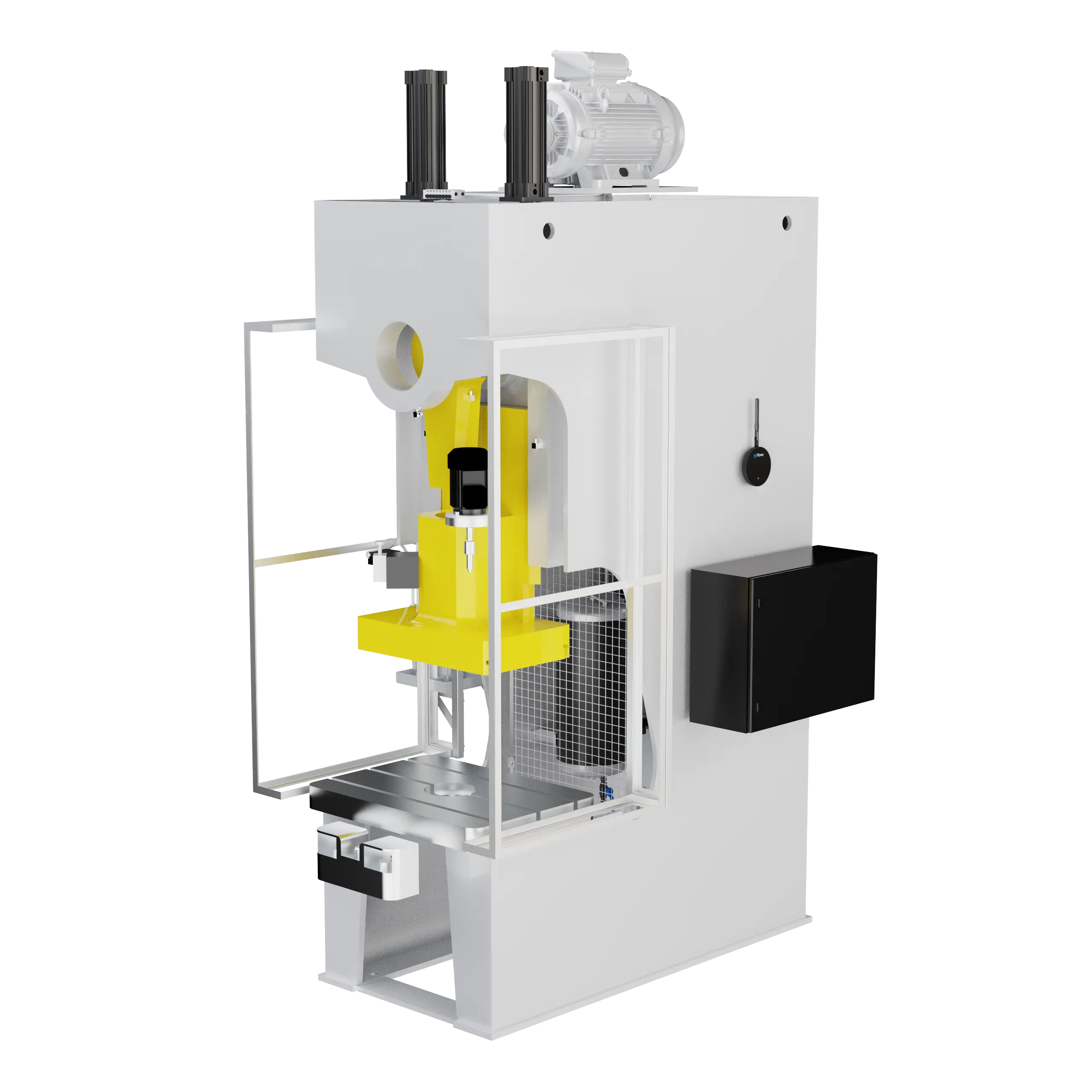
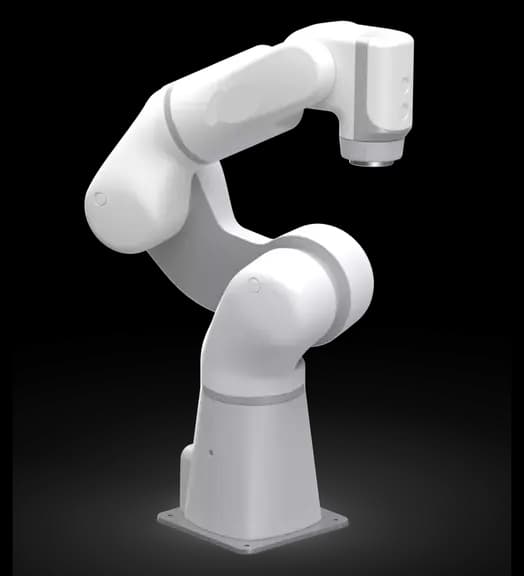
For plants that want every signal, IoTFlows connects PLCs and controllers over any protocol, robots, and analog and digital sensors through the IoTFlows edge device, and builds two-way connectors to your ERP: Epicor, SAP, Oracle, JobBOSS, ProShop and others. When a protocol is missing, we write the driver.
Scoped projects for Enterprise plants, typically with 50+ machines. Custom integrations.
How a custom integration is delivered
- 01
Scoping call
Which machines, which signals, which systems, and what the plant wants to see.
- 02
Data mapping
The PLC tags, robot parameters or ERP objects, and where each one lands.
- 03
Build
The edge device installed and configured, or the connector written against your API.
- 04
Validation
Checked against your own numbers, machine by machine.
- 05
Handover
Dashboards, alerts, scheduling and maintenance on the new signals.
Two-way ERP connectors built for



- and others
Customer story
MiRus raised efficiency over 20% and sees the cost of every job
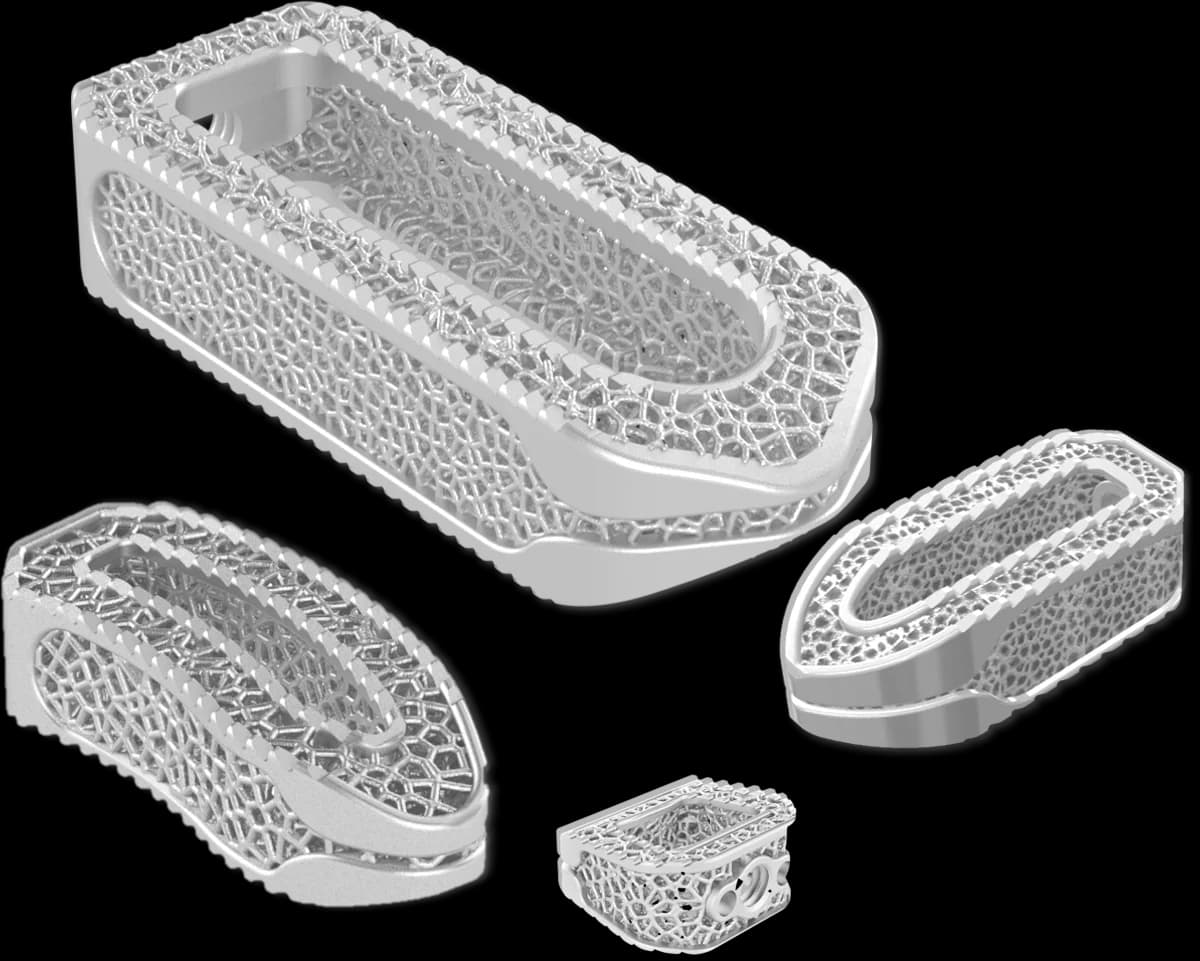
MiRus makes implants for the spine, the heart and the extremities in Marietta, Georgia. Its machines report live to IoTFlows, and every Epicor job now comes back with the machining and labor hours behind it.
- 20%+
- higher efficiency
- ~1 month
- to a live Epicor connector
- Every job
- tied to its machining and labor hours
Challenge
The real cost of a job, in machine hours and labor hours, was hard to get, if it could be had at all, from the ERP alone. Productivity on the floor only showed up after the fact.
Solution
SenseAi and SenseAi Embedded show every machine’s productivity live, so problems get solved sooner. A two-way Epicor connector, live in about a month, pulls every job and ties it to the machining and labor hours it took.
Products

“The real-time visibility has been amazing for optimizing our operations. With the ERP integration, I see the numbers and where every job stands, without digging for them in our ERP.”
For Stanley Black & Decker, the IoTFlows edge device streams every weld from the robotic welding lines at a major automotive customer. Read the Stanley Black & Decker story.
Questions people ask
On every plan: ten machine event types reach people by email, push and SMS and post to Slack, Microsoft Teams and Discord through a chat integration made from a webhook URL; hosted webhooks send events to your own endpoint with a secret header and a real test payload for each event; a six-step importer turns a CSV or Excel export from any ERP into scheduled jobs; a REST API, documented at rest-api-docs.iotflows.com, works with a key IoTFlows issues to your organization; MQTT is set up by IoTFlows with you; and the IoTFlows app runs on iOS, Android and Google TV wallboards. For Enterprise customers, typically with 50+ machines, IoTFlows builds two-way ERP connectors (Epicor, SAP, Oracle, JobBOSS, ProShop and others) and connects PLCs, robots, and analog and digital sensors through the IoTFlows edge device, writing a driver when a protocol is missing. SSO and SAML are Enterprise.
Yes. A REST API covers assets, machine data, productions, parts, operations, downtime, OEE, work orders, meters, inventory, chat and webhooks. Access is by an API key IoTFlows issues to your organization; requests carry it as a bearer token. The reference is at rest-api-docs.iotflows.com. MQTT is also available and is set up by IoTFlows with the customer.
Yes, on every plan. Create an integration on the Integrations page from an incoming-webhook URL you generate in Slack, name it, send it a test event, then attach it to the event rules on each machine that should post to that channel. Microsoft Teams (through a Power Automate workflow URL) and Discord work the same way, also on every plan.
Yes. Add a hosted endpoint under Organization Settings with its URL, a description and the signing secret you choose, subscribe it to the events your system acts on, and send each event’s real test payload to your URL before you write the handler. Every delivery carries the secret in the iotflows-secret header.
Two ways. On every plan, export a CSV or Excel file from the ERP and the six-step importer turns it into scheduled jobs; only the order number and the task name have to be mapped, and rows sharing an order number become one job. For Enterprise customers, IoTFlows builds a two-way connector to the ERP’s own API, so jobs flow in and results flow back without a file.
Epicor: a live two-way connector was built for MiRus in about a month; it pulls every job and correlates it with the machining and labor hours behind it. SAP, Oracle, JobBOSS, ProShop and other systems are built the same way, as scoped Enterprise projects against the customer’s APIs.
Yes, for Enterprise customers. The IoTFlows edge device reads PLC and controller data over any protocol, robots, and analog and digital sensors; when a protocol is missing, IoTFlows writes the driver. It is scoped and priced per project. The custom integrations page has the detail.
Yes. MQTT is offered to customers and deployed by IoTFlows with you, rather than switched on from the dashboard.
Chat integrations, email, SMS, push, webhooks, the ERP import and the REST API are included in every plan. Two-way ERP connectors and PLC, robot and sensor integrations through the edge device are Enterprise projects priced on scope. SSO is Enterprise.
Documentation
Want the detail? These guides walk through each feature step by step.
- Overview: alerts and integrationsEvery way IoTFlows tells someone something.
- Send alerts to Slack, Teams, or DiscordCreate a chat integration from a webhook URL and attach it to event rules.
- Send events to your own endpointHosted webhooks with a signing secret.
- Event types and channelsAll ten event types, their thresholds and the six channels.
- Import a schedule from your ERPThe six-step importer.
- Install the mobile app and sign iniOS and Android, push, and what exists only on a phone.
- Put a wallboard on a shop TVPair a Google TV and send it any dashboard.
- Use Operator ViewPart counts, downtime and jobs at the machine.
Put machine data where your team already works
Chat, email, push, webhooks, the ERP import and the REST API come with every plan. For PLC, robot or two-way ERP work, ask for a scoping call.