


Production monitoring
Production monitoring that counts every part against the shift goal
IoTFlows counts every part from the machine itself, with a SenseAi on the frame or a BeamTracker across the line, and sets each operation’s goal from its cycle time. Everyone on the floor knows by mid-shift where the day will land.
Trusted by industry leaders










































































Counting
Every part counted, straight from the machine
A SenseAi on the frame reads every cycle; a BeamTracker counts every unit that crosses its beam. No PLC, no wiring, no clipboard.
Pick how each operation counts and how many parts one cycle makes, and the count follows the right part through every changeover.
Goals
A goal for every shift, set by the cycle time
Set the ideal cycle time once. IoTFlows works out what each machine should make this shift, allowing for the downtime it usually has, and shows the count, the pace and every hour against it.
An hour that falls short turns amber while there is still time to fix it. The same counts feed OEE.
Lines
First pass yield at every step of the line
Group the machines a part passes through into one line. Every step reports first pass yield, parts lost and its rate against Step 1, so the step where the gap opens is the one to fix.
Scrap
Scrap logged with a reason, at the machine
Operators log scrap from the job they are running, with a reason from your own list. Every part lost is on record by machine, operation and cause.
On every screen
The same count on the floor and in the office
Put the shift on the TV by the line, the tablet at the machine and the phone in every pocket. Operators see their own count against the goal in Operator View; the office sees every line at once.

History
This week against a full one
Compare good parts and scrap by day, week, month or quarter, by operation and machine. Every range ends at the last full period, so a week in progress never looks like a bad one.
Export it, email it on a schedule, and plan the next jobs on the same counts in the Production Scheduler.
Set up for the machines you run. Each one counts its own way.
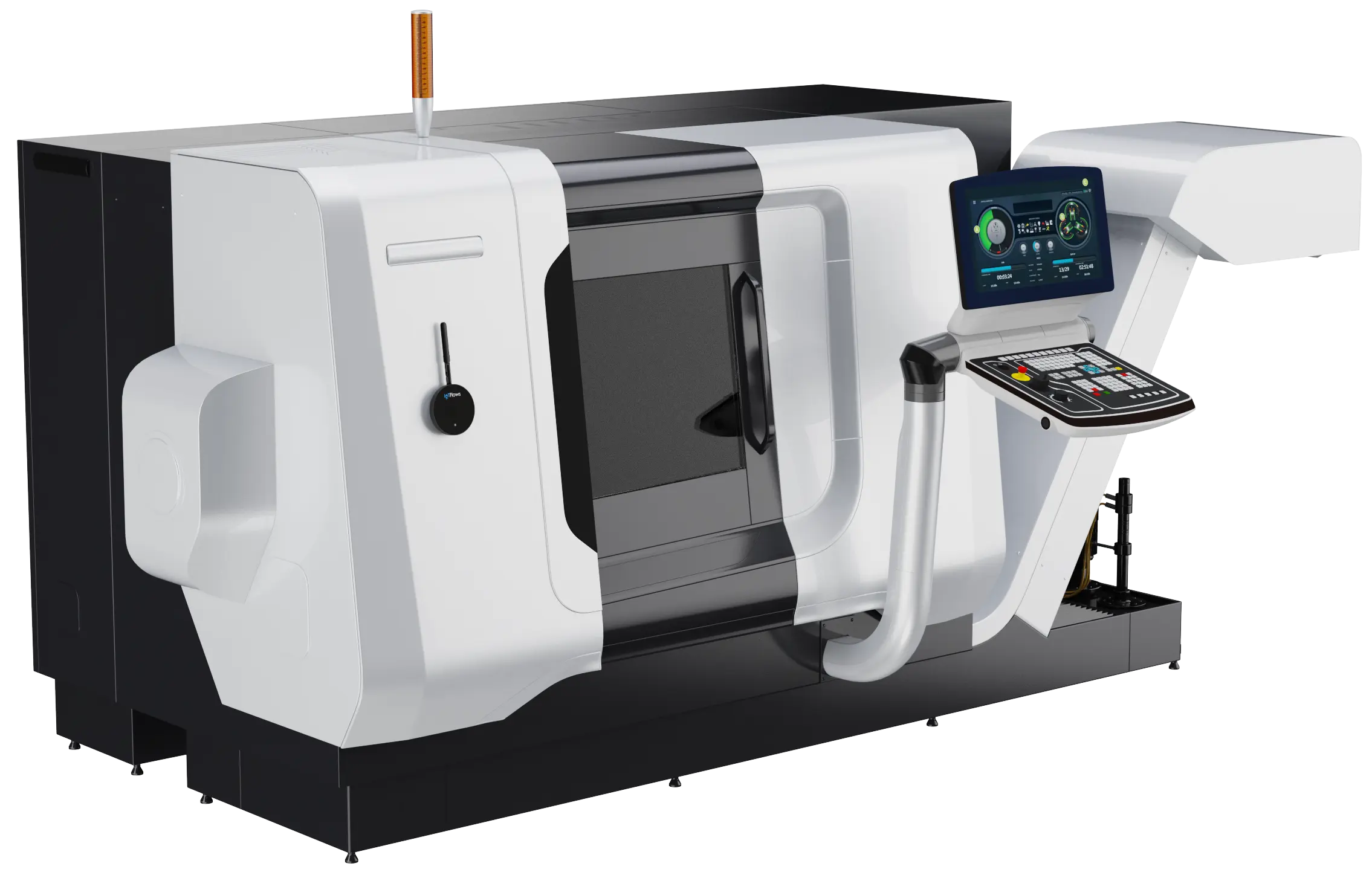
Mills, molders, presses and packaging lines each make parts differently. Each has a set-up guide, and every set-up is checked by running ten parts by hand.
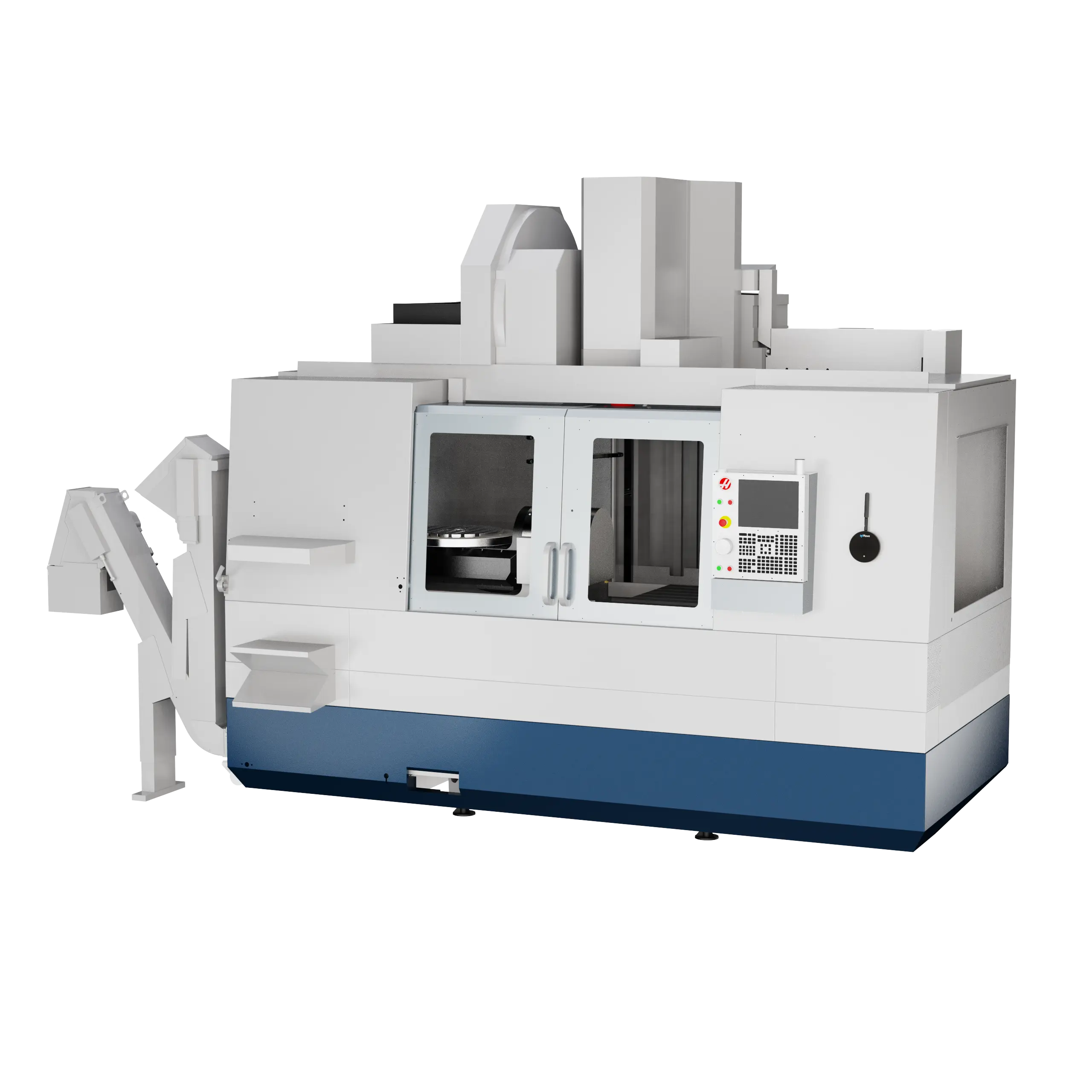
CNC mills and lathes
Cycle times change with the part. Auto-Detect assigns every operation at once.
CNC machine monitoringSet up a CNC machine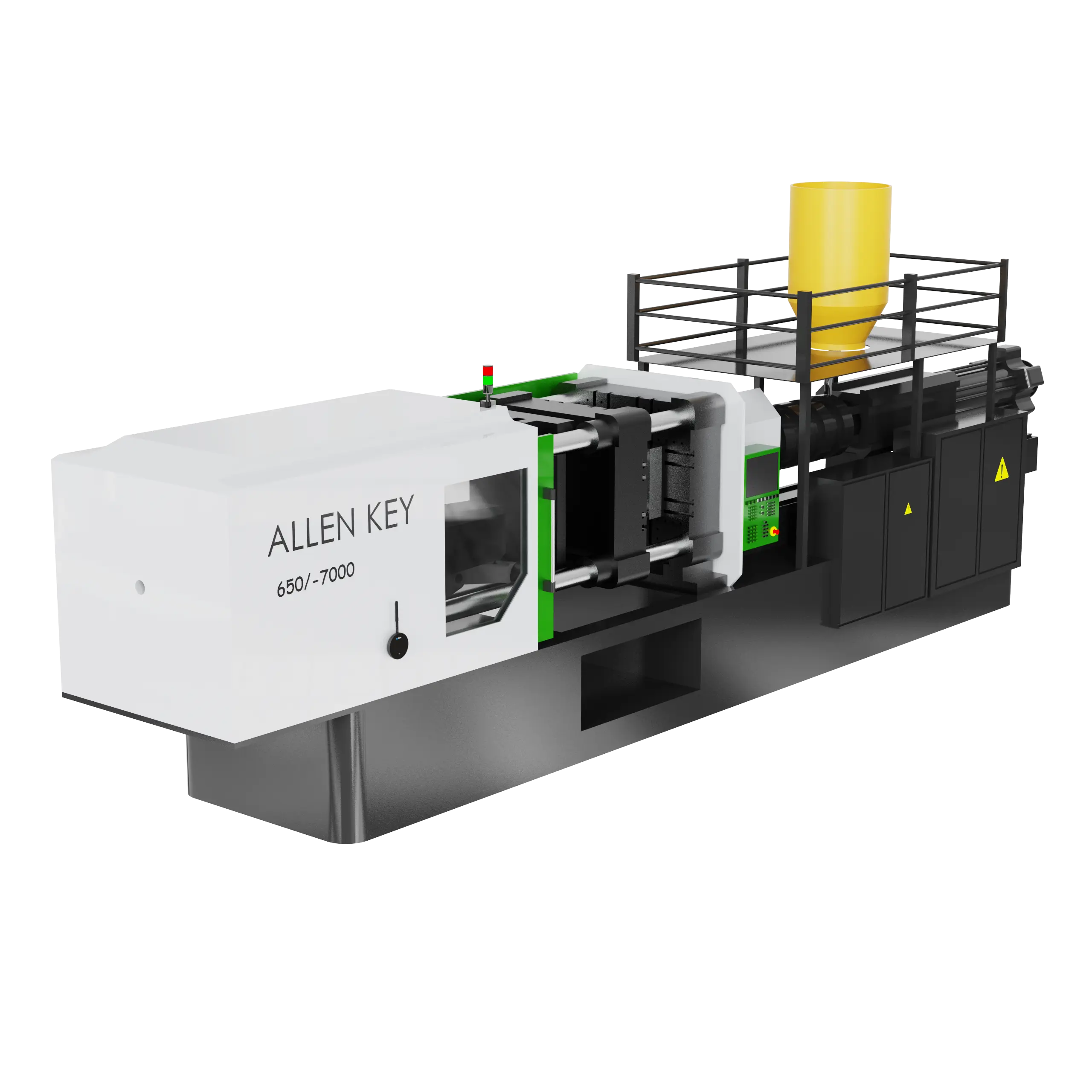
Injection molding
The shot repeats to the second, and every cavity counts as a part.
Injection molding monitoringSet up a molding machine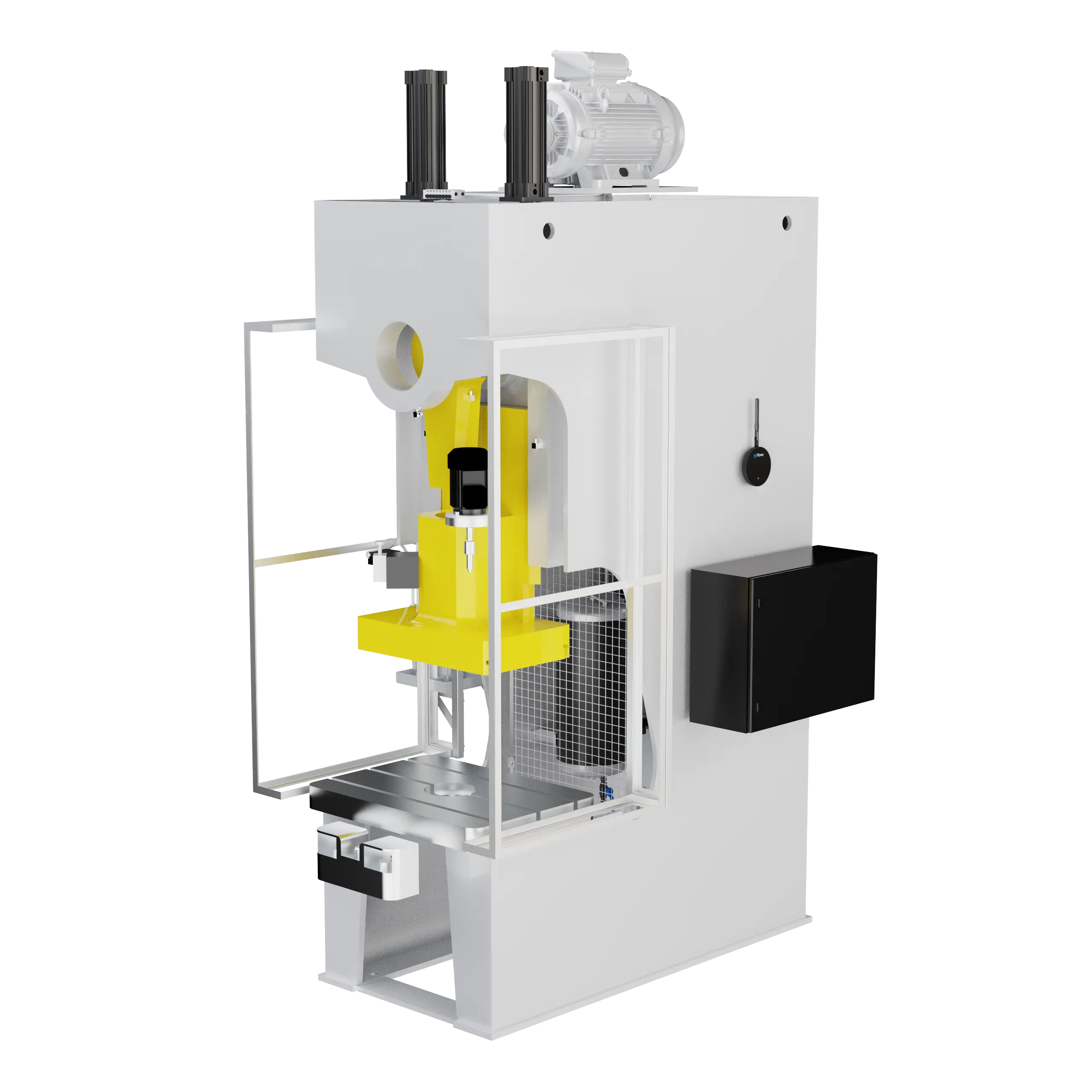
Stamping and punch presses
Ten to 120 strokes a minute, every one of them counted.
Stamping press monitoringSet up a press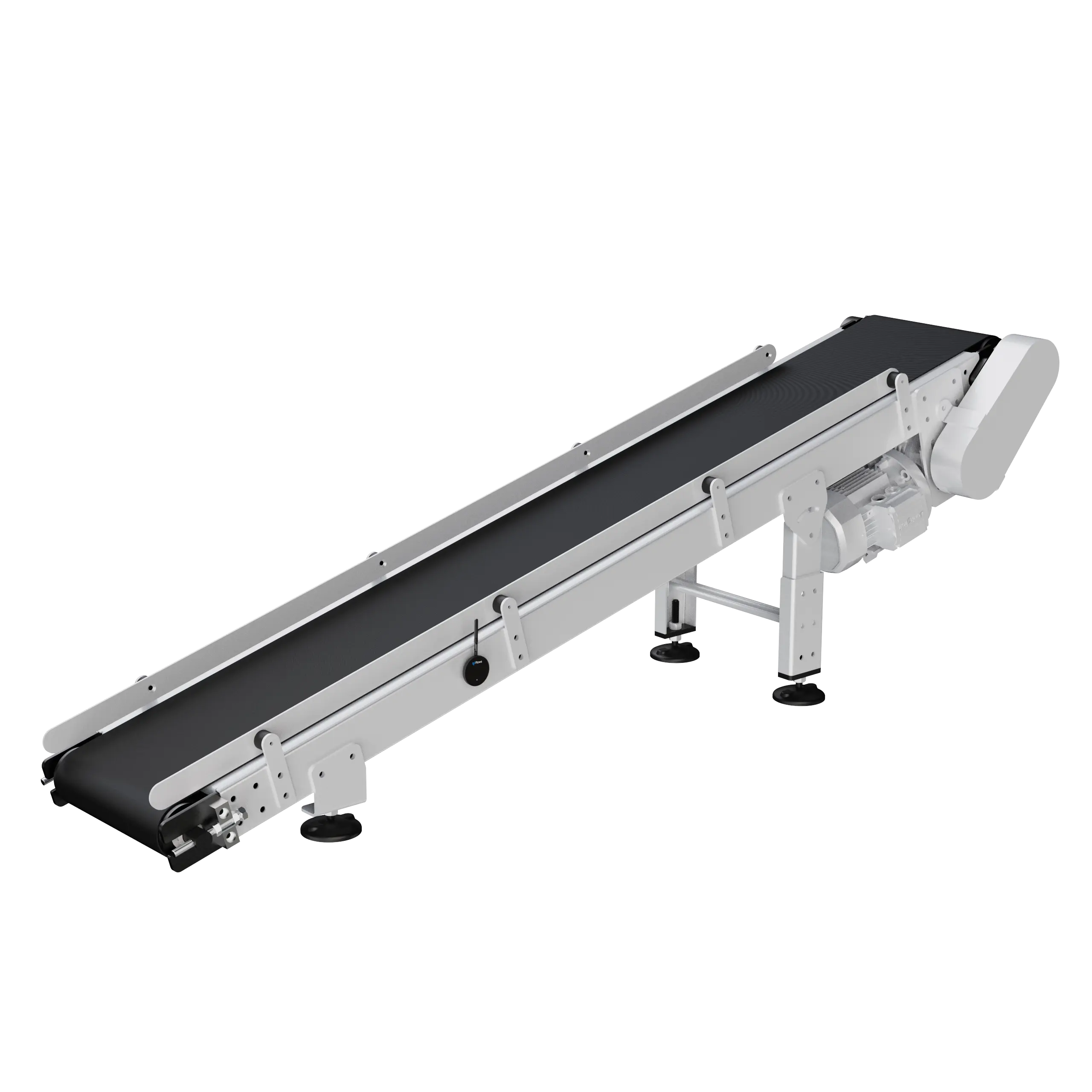
Bottling and packaging lines
A BeamTracker after the last reject point counts every unit that leaves.
Packaging line monitoringSet up a packaging line
Customer story
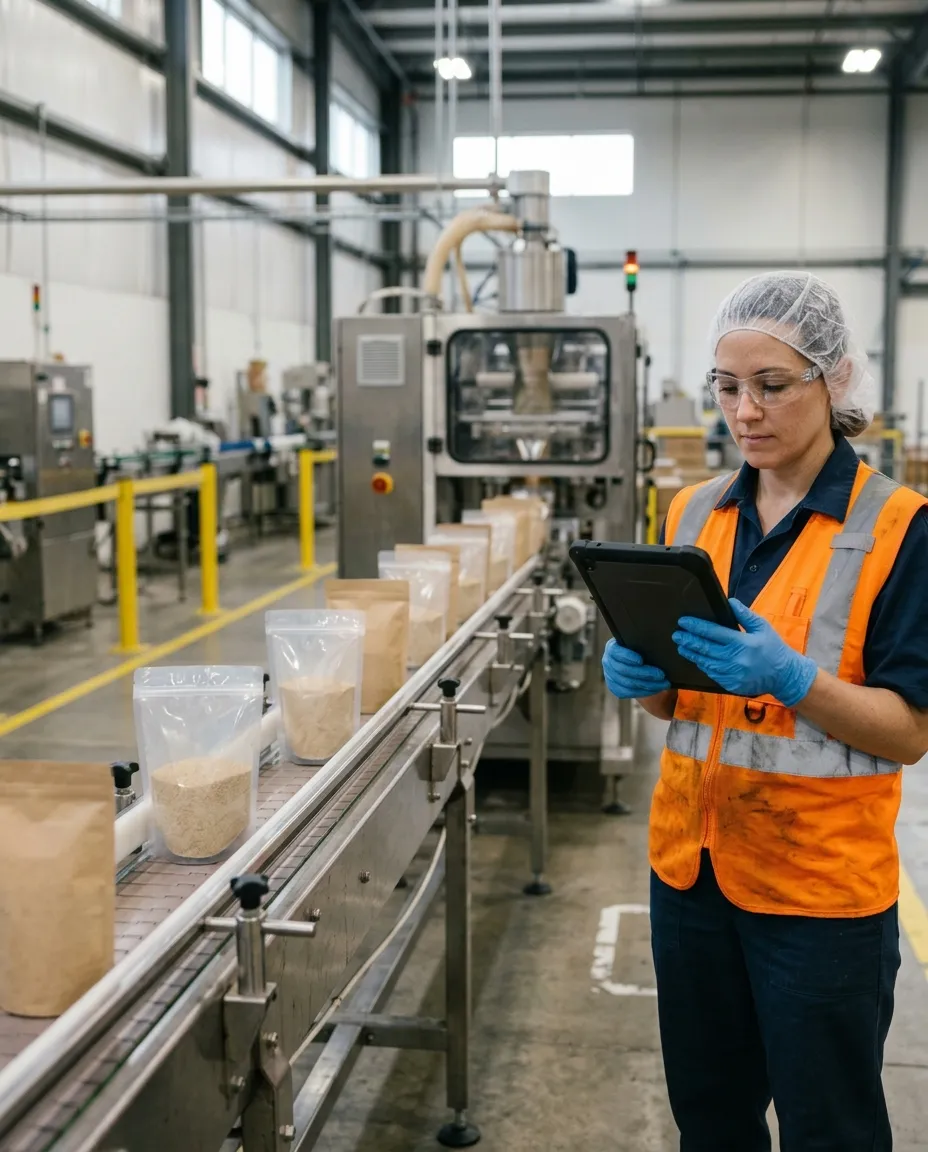
Criollos Foods raised bagging-line productivity 35%
Criollos Foods packs bagged and canned foods in Medley, Florida. BeamTracker counts every bag on its lines against a target of 30 bags a minute.
- 35%
- more output on the bagging lines
- 92%
- of lines hitting their target rate
- 20 min
- faster product changeovers
Challenge
Some operators ran a line at 20 bags a minute against a target of 30, and nobody could see who, on which product, or why. Changeovers between products went untimed.
Solution
BeamTracker counts every bag and shows the live rate against target for every line, operator and product, with every stop classified. Supervisors coached the operators behind target and cut the slow changeovers.
Products
BeamTracker and SenseAi.


“Within weeks of targeted coaching based on the IoTFlows data, our newer operators were hitting 30 bags per minute. This platform has transformed how we manage our bagging operations.”
Altium Packaging reads first pass yield live at every step of its ten bottling lines. Read the Altium Packaging story. Storm Power Components doubled machine utilization, and Hilco Vision knows by mid-afternoon where a shift will land.
Questions people ask
Part counts from the machine’s own signal, with four detection algorithms chosen per operation: Counter for BeamTracker, and Continuous Analysis, Discrete Analysis and Discrete without Merge for SenseAi. Quantity per cycle covers multi-cavity molds and multi-part cycles. Shift Production shows every operation’s good count, pace and hourly bars against a goal calculated from the ideal cycle time and the shift. Cascading groups report first pass yield, parts lost and rate difference against Step 1 along a line. Operators log scrap with a reason code from one organization-wide list, and Operator View carries a Part Count tab where Record Production backfills a count. Historical compares good parts and scrap by day, week, month, quarter or year, with CSV and PDF exports and Share and Schedule. Set-ups are documented for CNC mills and lathes, injection molding, stamping presses and packaging lines, and every set-up is validated by running ten parts by hand.
From the machine’s own signal. On a SenseAi the detection algorithm chosen for the operation turns the vibration trace into counts: Continuous Analysis when the trace never returns to the stopped level, Discrete Analysis when each part is one burst with idle time around it, Discrete without Merge for presses firing 10 to 120 times a minute. A BeamTracker counts each unit that breaks its laser beam.
The ideal cycle time and quantity per cycle set on the operation, and the scheduled shift. The goal is the shift length minus the operation’s expected downtime, divided by the ideal cycle time, where expected downtime is that operation’s historical average on that machine. Shift Production shows good count, pace and hourly bars against it, and the goal follows the cycle time and the shift, so it always matches how the operation is set up.
Yes. A cascading group ties the machines a part passes through into one line on the Assets page. Step 1 is the reference, and every step after it reports first pass yield, parts lost and a rate difference against Step 1’s count.
From the Scrap button in the job runner’s action rail, against the work session that made it, with a reason code from one organization-wide list. The pause, complete and session editor dialogs hold that session’s scrap as editable rows.
Set QTY/OP on the operation to 2, or to the cavity count on a mold. An exact 2x or 0.5x error in a count is a multiplier rather than a detector, and QTY/OP is the first thing to check.
Yes. Mount the SenseAi on the injection unit or near the hydraulic power unit, time 10 to 20 shots by hand, create the part with one operation per mold, set the algorithm to Continuous Analysis and QTY/OP to the cavity count. Datwyler runs it across 20+ molders.
Yes. Mount a BeamTracker across the part path after the last reject point, set the operation’s algorithm to Counter, name the unit so gauges read bottles per minute, and set QTY/OP to 1 when the beam sees each unit. Criollos Foods runs it on its bagging lines and Altium Packaging on ten bottling lines.
Documentation
Want the detail? These guides walk through each feature step by step.
- Production quickstartYour first part, operation and count, validated by hand.
- Overview: track and schedule productionThe two halves of production and what each needs before it shows data.
- Track production against shift goalsEvery operation this shift against its calculated goal.
- Choose a production tracking algorithmCounter, Continuous, Discrete and Discrete without Merge.
- Group machines into cascadesOne line on the Assets page, with first pass yield per step.
- Log scrap and manage scrap reasonsScrap per work session, with a reason from one list.
- Compare production over timeGood parts and scrap by day, week, month, quarter or year.
- Troubleshoot inaccurate part countsQTY/OP first, then the cycle time, then the detector.
- Configure tracking for CNC mills and lathesCycle times that change with the part.
- Configure tracking for injection moldingShots that repeat to the second; cavities as QTY/OP.
- Configure tracking for stamping and punch pressesStrokes at 10 to 120 a minute.
- Configure tracking for bottling and packaging linesUnits past a point, counted by BeamTracker.
Count your first parts this week
Start with 10 to 25 machines for four weeks, with no commitment to buy. A SenseAi or BeamTracker goes on the machines you already run.